


Description
📊 Project Planner (Up to 100 Projects) – Point-Wise Summary
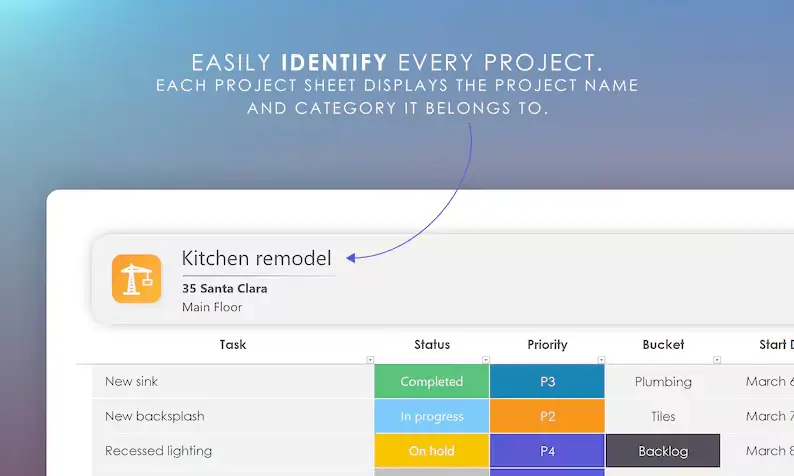
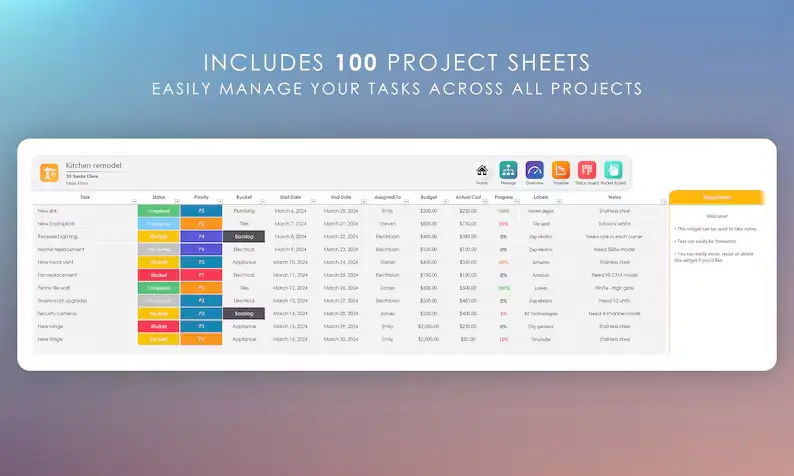
🚀 Plan & Manage Up to 100 Projects
Stay fully organized with one powerful Excel planner built to handle personal projects, business tasks, and team workflows.
🗂️ Assign Tasks to Team Members
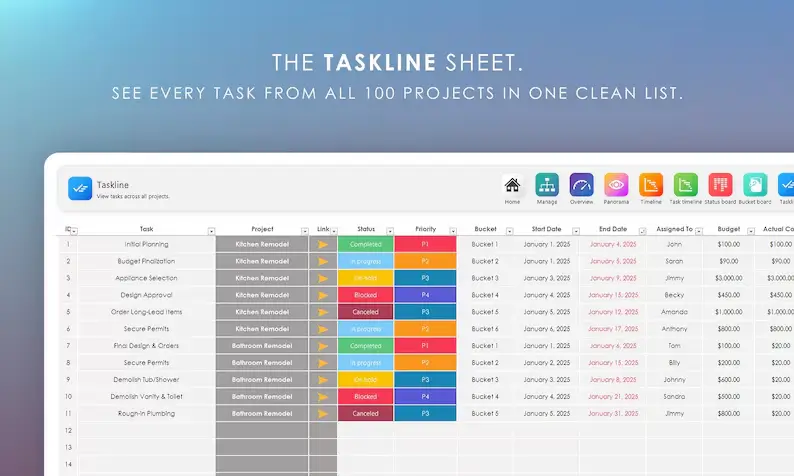
Assign tasks to employees, track their progress, check overdue items, and see everything sorted by person or project.
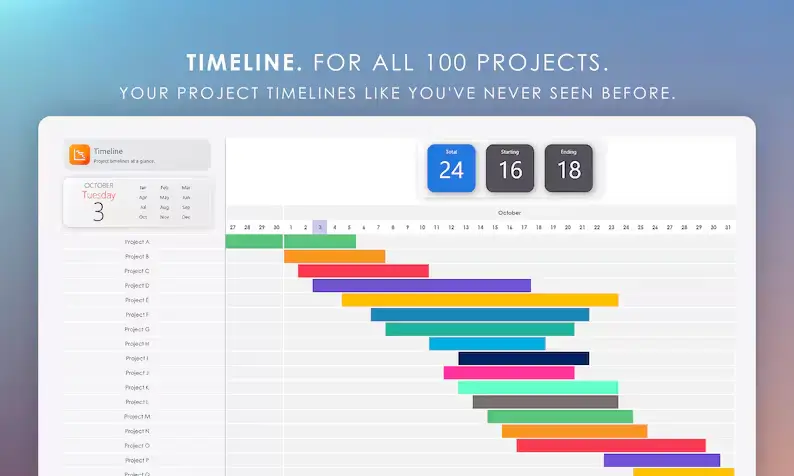
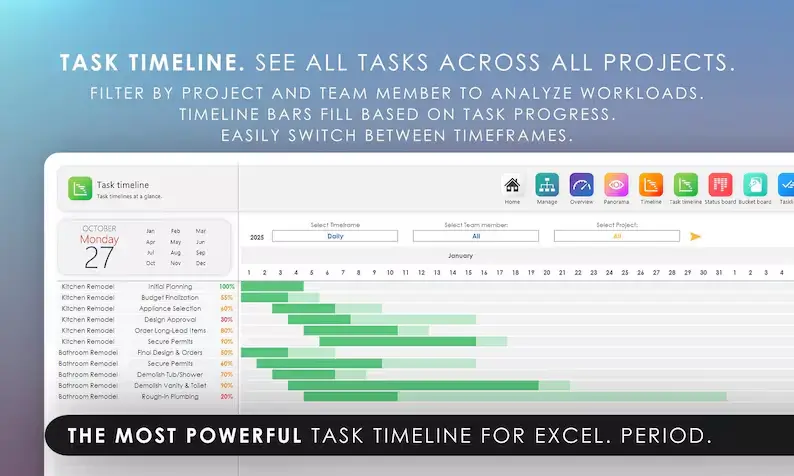
📅 All-New Task Timeline (Gantt View)
Crystal-clear daily task timelines that span two full years — with options to highlight weekends, hide completed tasks, and view dynamic task stats.
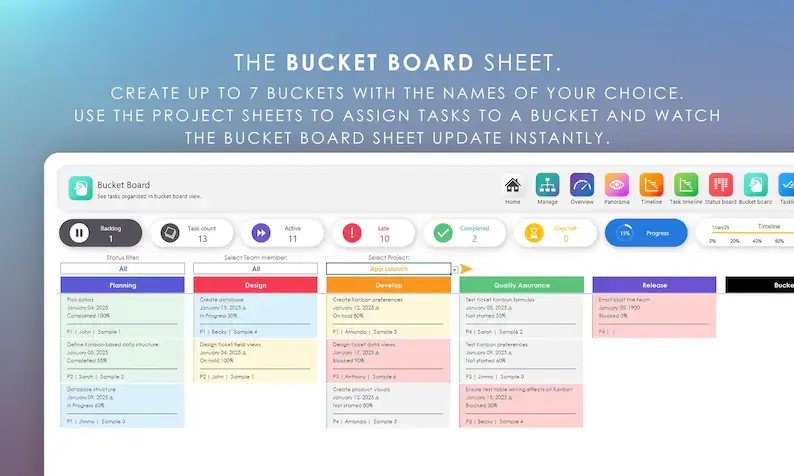
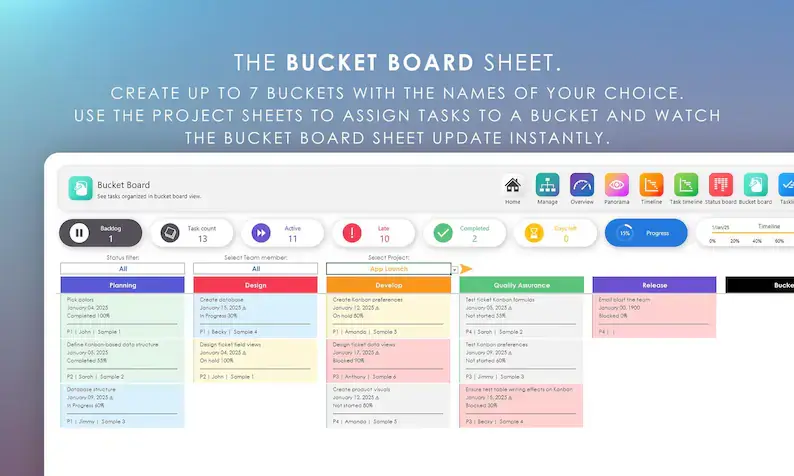
📌 Bucket Board (Up to 7 Categories)
Create custom task “buckets” and instantly see tasks grouped under each category — perfect for organizing workflow your way.
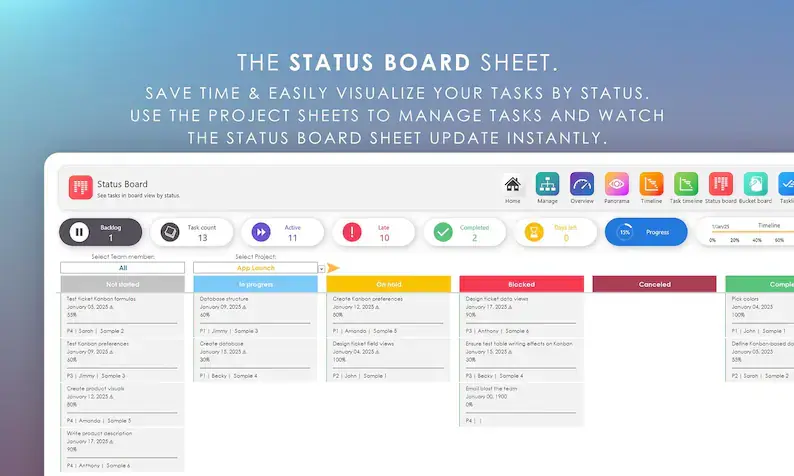
📌 Status Board (Sorted by Task Status)
View tasks by:
• Not Started
• In Progress
• On Hold
• Blocked
• Completed
Super easy for tracking bottlenecks.
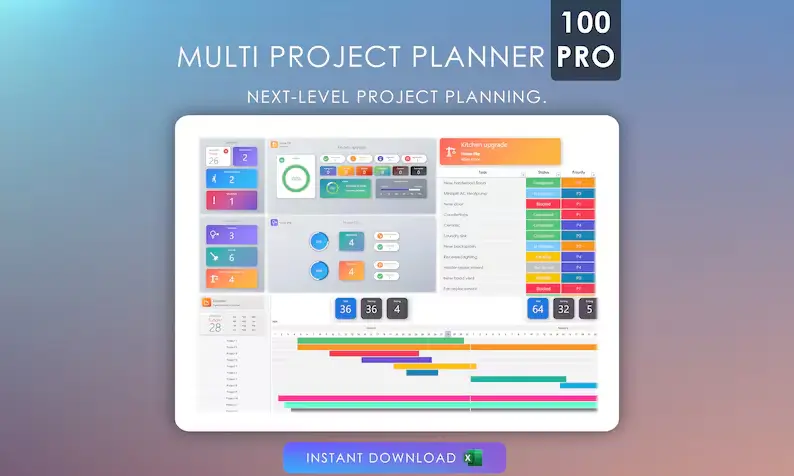
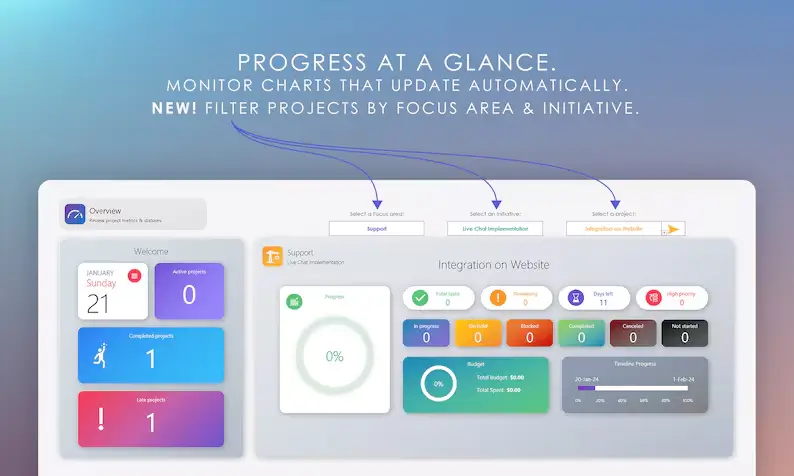
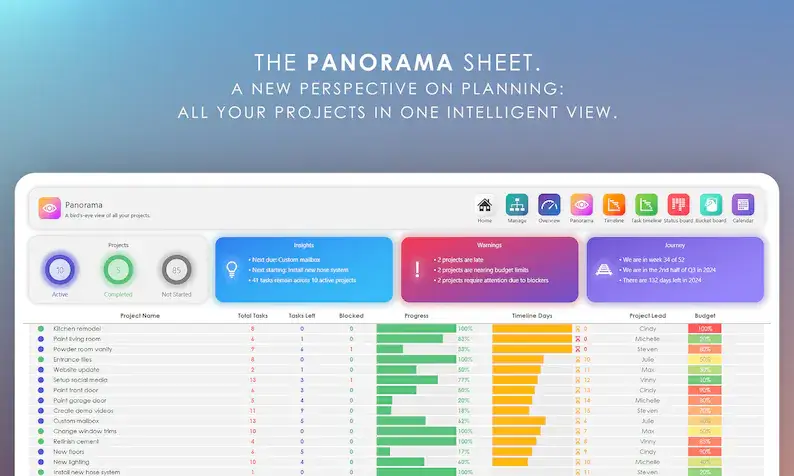
📊 Modern Automated Overview Dashboard
See total tasks, progress % (color-coded), deadlines, late tasks, active tasks, project days remaining, and timeline visuals — all auto-updated.
👤 Team Member Filter
Select one team member to instantly view:
• All tasks assigned to them
• Completed tasks
• Overdue tasks
• Active workload
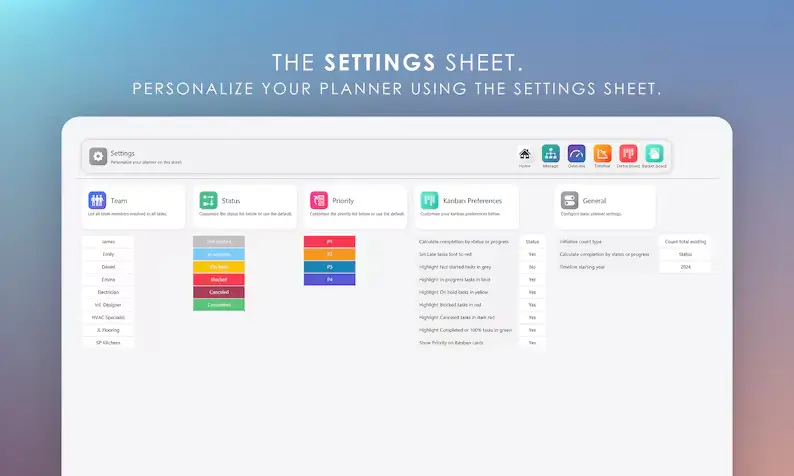
⚙️ Fully Customizable Settings Panel
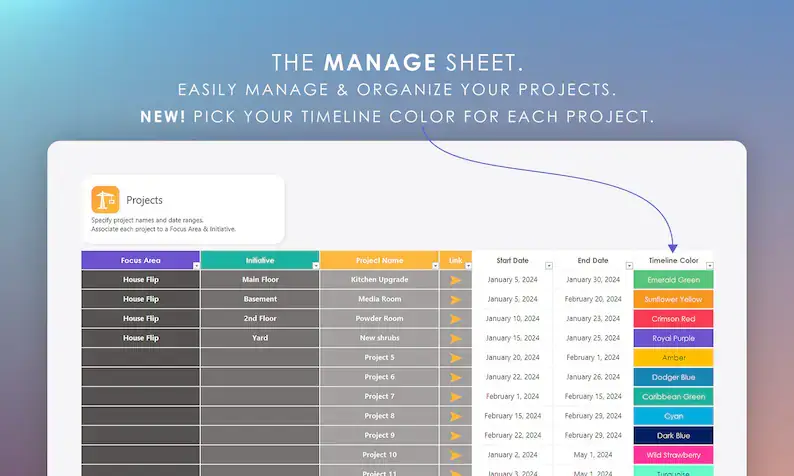
Customize what displays on Kanban cards, highlight late tasks in red, tweak colors, and adjust project timeline colors.
✏️ Notes Widget for Each Project
Add written notes on every project (desktop Excel only).
🧼 Minimalist & Easy-to-Read Layout
Clean spacing, beautiful color palette, and non-crowded layout designed for productivity.
📦 What’s Included:
✔️ Multi Project Planner 100 Pro – V4 (.XLSX file)
✔️ Online “Getting Started” guide (bobcatplanners.com)
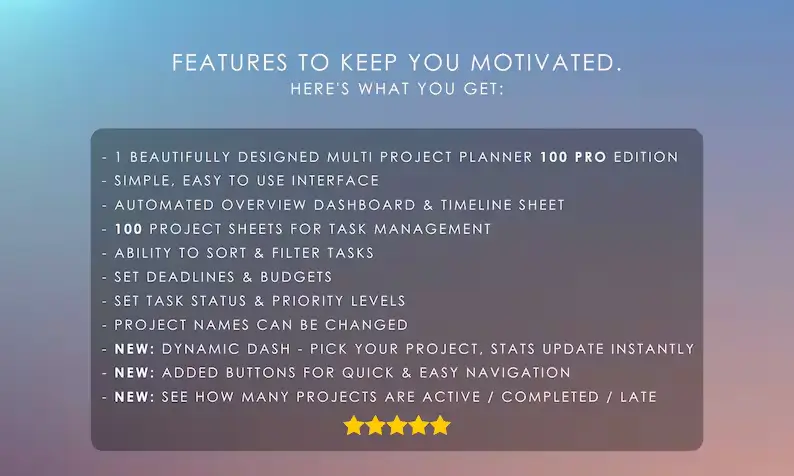
⭐ Top Features:
• Supports 100 projects
• Priority levels (P1–P4)
• Status dropdowns
• Start & end dates
• Overdue dates auto-highlight
• Set budgets & actual cost
• Progress tracking (%)
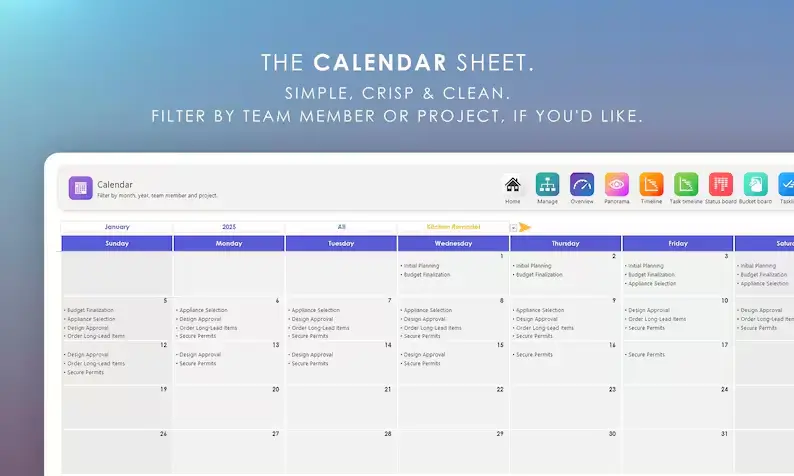
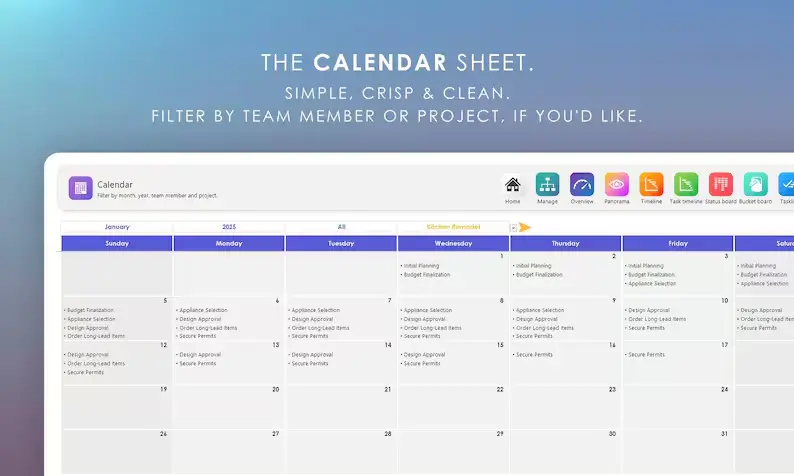
• Interactive calendar
• Whiteboard sheet for diagrams
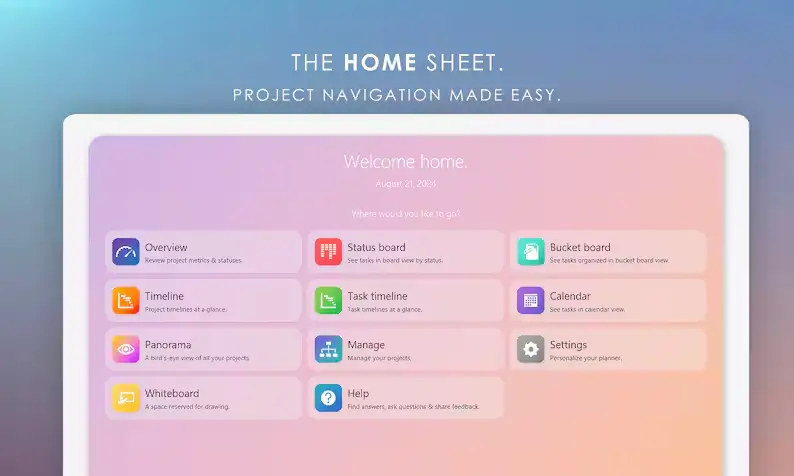
• Beautiful home screen navigation
• Kanban views: Bucket Board + Status Board
• Fully editable spreadsheet
🧰 Requirements:
🟢 Microsoft Excel (Free or Paid – Desktop or Web)
🟢 Excel 2021 / Excel 365 (for Timeline features)
🟢 Basic Excel knowledge
📥 How It Works:
1️⃣ Purchase listing
2️⃣ Instant digital download
3️⃣ Open in Excel
4️⃣ Start planning your projects

Reviews
There are no reviews yet.